笔记
2023 年 4 月 8 日
[ROS笔记]launch文件
launch文件用法
launch文件
通过xml文件实现配置和启动(自动启动ros master)
launch文件语法
启动< launch > / < node >
<launch> #launch文件根元素
	<node pkg="turtlesim" name"sim1" type="turtlesim_node">
	<node pkg="turtlesim" name"sim1" type="turtlesim_node">
</launch>- pkg: 节点所在功能包名称
- type: 节点的可执行文件名称
- name: 节点运行时的名称
- 会取代原程序中节点名称
- Output,respawn,requirnargs
参数设置
参数< param > / < rosparam >
#设置ros系统运行中的参数,储存在参数服务器中
<param name="output_frame" value="odom"/>
#加载参数文件中的多个参数
<rosparam file="params.yaml" command="loadns="params"/>- Name: 参数名
- value: 参数值
参数< arg >
#launch文件内部的局部变量,仅限于launch文件内使用
<arg name="arg-name" default="arg-value"/>- Name: 参数名
- value: 参数值
调用:
<param name="foo" value="$(arg arg-name)"/>
<node name="node" pkg="pkckage" type="type" arg="$(arg arg-name)"/>
重映射< remap >
重映射ros计算图资源的命名
<remap from="turtlebot/cmd_vel" to= "/cmd_vel"/>- From: 原命名
- to: 映射只后的命名
嵌套
包含其他launch文件,类似c中的include
<include file="$(dirname)/other.launch"/>- File: 包含其他launch文件路径
创建功能包
$ catkin_create learning_launch
$ vim learning_launch/simple.launch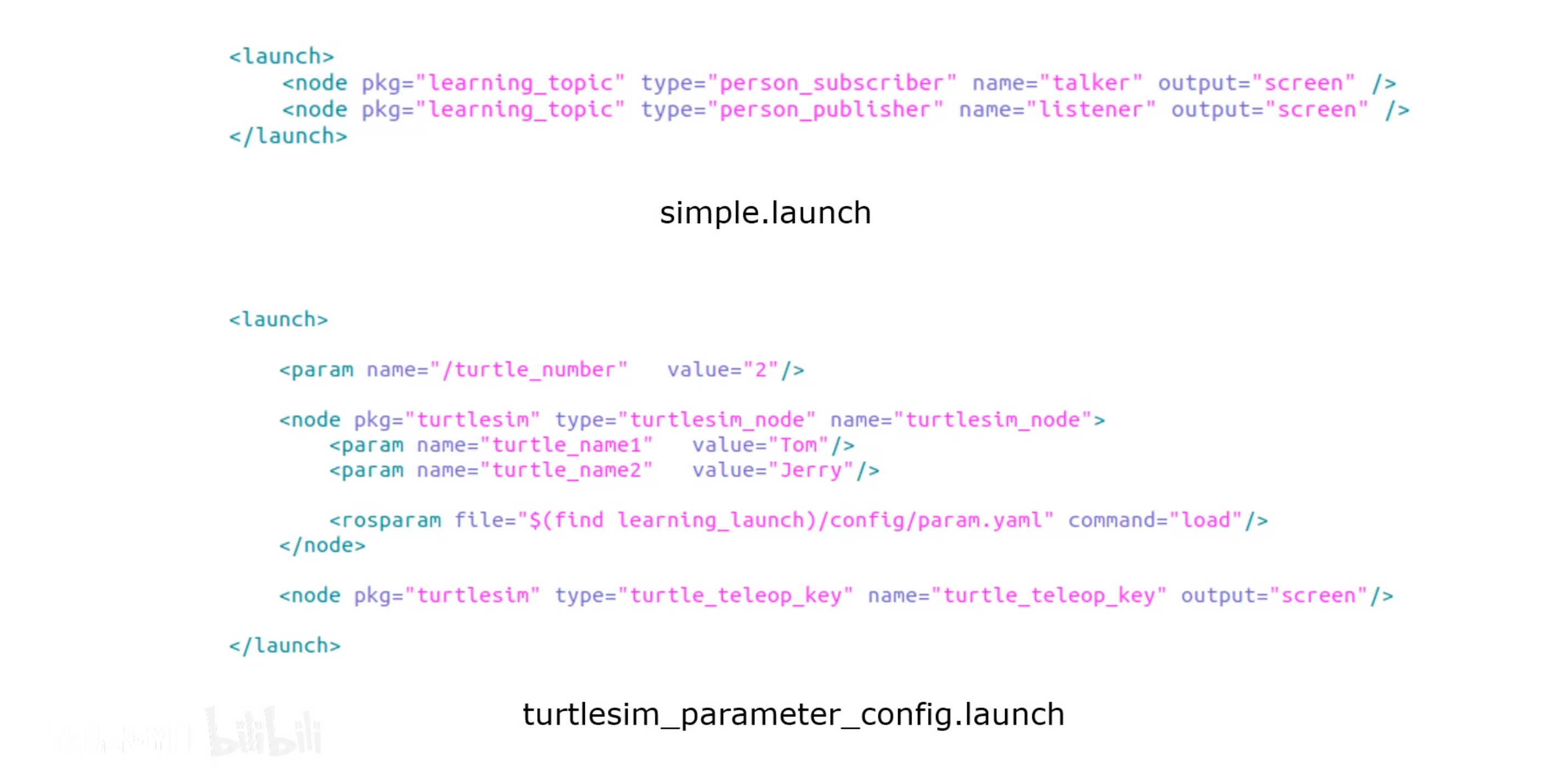
代码示例
$ catkin_make
$ roslaunch learning_launch simple.launch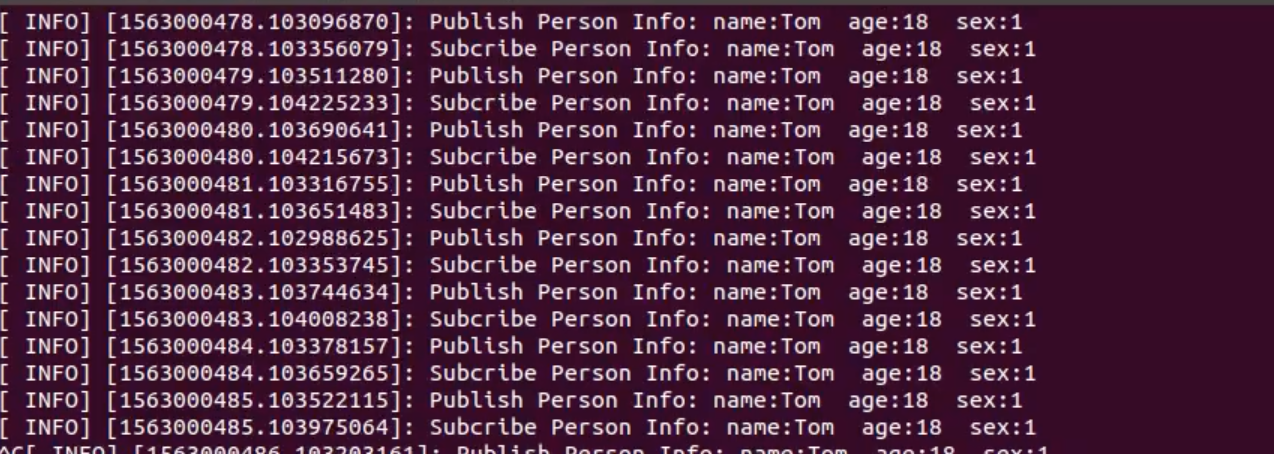
运行结果
版权声明:自由转载-非商用-非衍生-保持署名(创意共享3.0许可证)
作者: shi 发表日期:2023 年 4 月 8 日